
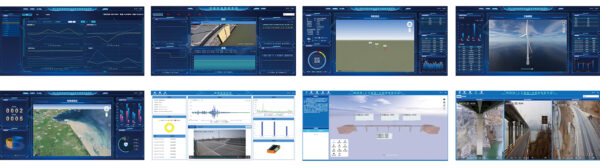
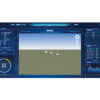
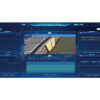
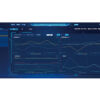
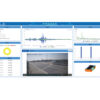
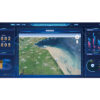
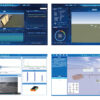
HP-YUN is a browser-based (B/S) cloud monitoring platform designed for real-time and historical data visualization, analysis, and remote device management. It connects users, groups, and monitoring devices in a unified system—supporting role-based permissions, data export, alarm workflows, digital-twin visualization, and optional on-site video monitoring.
| User & Device Isolation | Each account only accesses its assigned device groups—reducing operational interference between teams. |
|---|---|
| Role-Based Permission Control | Assign fine-grained functions by role to keep workflows secure and compliant. |
| One-Click Data Export | Create export tasks by device and time range; generate CSV for fast sharing and reporting. |
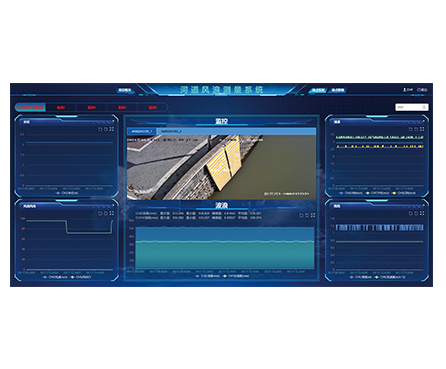
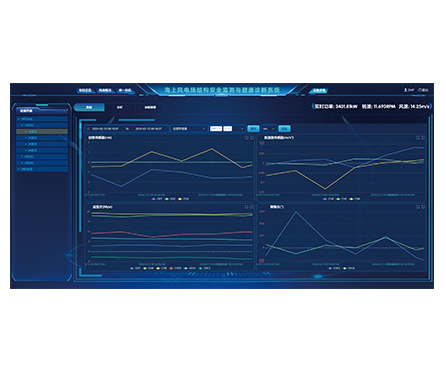
| Monitoring Analytics Ready | Real-time curves, historical trends, spectrum charts, and feature tables in one dashboard. |
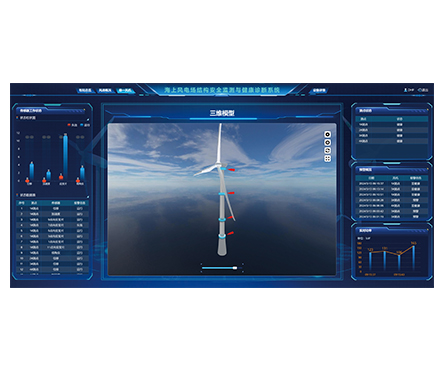
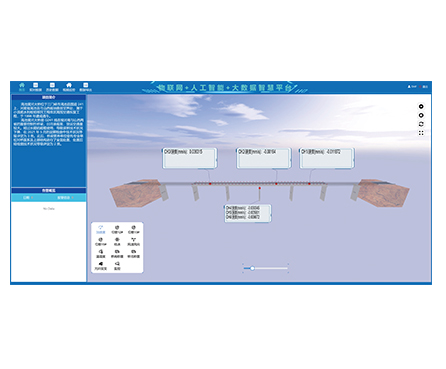
| Digital Twin Visualization | Combine 3D modeling with dynamic measurement-point values for intuitive insight. |
| Alarm Automation | Threshold-based warning/alarm tasks with email/SMS notifications to speed response. |
| Remote Operations | Socket command support enables remote calibration/parameter changes and system updates. |
| Video + Electronic Fence (Optional) | Remote site viewing, fence alerts, and playback for incident traceability. |
| Data & Capacity Management | Database cleanup tools and server disk monitoring help keep the system stable. |
Cloud Server Management (Back-End)
User–group–device association management (each user only sees authorized groups/devices)
Role-based access control (RBAC) for feature-level permissions
Data export tasks (time-range export → CSV generated and uploaded to cloud storage for download)
Database management (clean partial/full data, delete data tables, and related maintenance operations)
Server disk monitoring (real-time disk space visibility for capacity management)
Cloud Client (Web Dashboard)
Real-time + historical curves, data tables, feature curves, feature tables
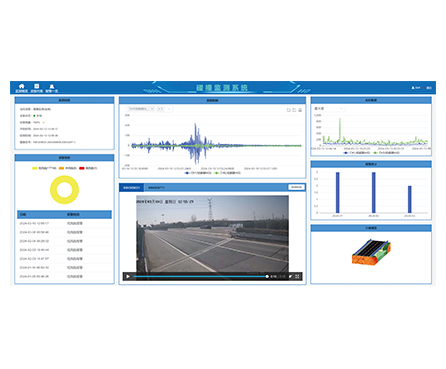
Spectrum charts and statistics (warnings/alarms summary)
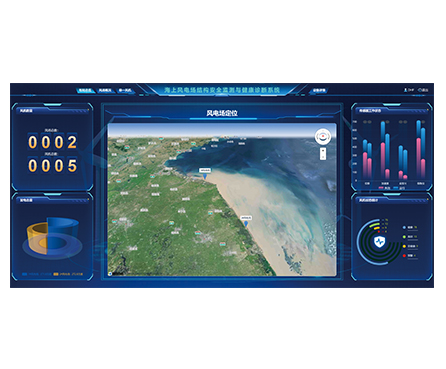
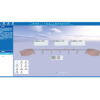
Digital twin / 3D model visualization with dynamic measurement-point value display
FFT-based analysis for time-domain and frequency-domain feature extraction
Alarm task creation (threshold selection + notification channels like email/SMS)
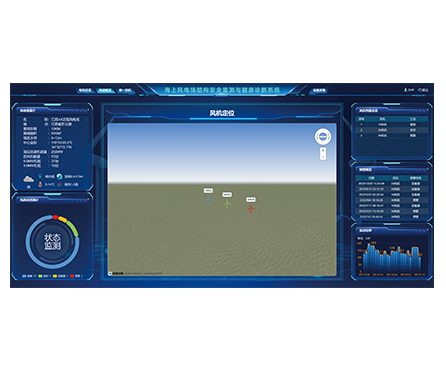
Device location tracking with dynamic latitude/longitude updates
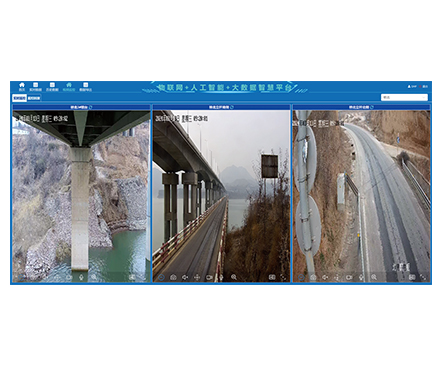
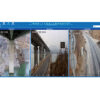
Optional remote video monitoring with electronic fence and playback (12-hour rolling loop storage on device)
Channel management (add/delete/edit/view, visibility control, spectrum analysis on/off, virtual channel support)
Socket-based remote commands (remote zeroing, parameter adjustment, system setting changes)
HP-YUN receives monitoring data from acquisition devices, synchronizes it into the cloud database, and provides a web interface for browsing, computing, analyzing, and storing results. Engineers can review trends, extract FFT features, visualize monitored objects in 3D, configure alarms, and remotely manage device/channel settings—without needing local software installation.
Remote condition monitoring for distributed assets and sites
Vibration / deformation / settlement monitoring projects (depending on connected acquisition hardware)
Infrastructure and civil engineering monitoring dashboards (e.g., bridges, slopes, tunnels, roads)
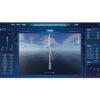
Wind energy and rotating equipment supervision (trend + spectrum review)
Smart construction sites: device location tracking + optional video supervision
Multi-project operations centers requiring strict user/role separation
Data Source: Connects to monitoring/data acquisition devices that upload measurement data to the cloud.
Multi-Channel Monitoring: Supports channel-level management (visibility, spectrum analysis enable/disable, virtual channels).
Analysis Inputs: Time-domain signals and frequency-domain analysis (FFT feature extraction).
Location Input: Device positioning with dynamic latitude/longitude updates.
Video Input (Optional): On-site video terminal integration for real-time viewing and playback (device-side rolling storage).
Control Interface: Socket-based command channel for remote device/system operations.
System Architecture: B/S (Browser/Server), web-based access
User Management: User/group/device binding; multi-user separation
Permission Model: RBAC (role-based function permissions)
Data Visualization: Real-time & historical curves, tables, feature curves/tables, spectrum charts
Analytics: FFT feature extraction (supports peak-to-peak, max, min, average, multi-order frequency features)
Alarms: Task-based thresholds + notification via email/SMS
Digital Twin: 3D model display + dynamic measurement-point value visualization
Device Location: Real-time positioning with latitude/longitude updates
Video Monitoring: Real-time viewing + electronic fence + playback; 12-hour rolling loop storage on device (when enabled)
Channel Tools: Add/delete/edit/view; visibility toggle; spectrum analysis toggle; virtual channel support
Remote Control: Socket commands (zeroing, parameter adjustment, system modification)
Maintenance: Data export (CSV), database cleanup/table operations, server disk space monitoring
1) Is HP-YUN software installed on PCs?
No—HP-YUN uses a browser-based (B/S) architecture, so users access the platform via a web interface.
2) Can different departments use the same platform without interfering?
Yes. Users, groups, and devices are bound together so each user only sees authorized groups/devices.
3) How do permissions work?
The platform supports role-based access control. You can assign which functions a role can operate after login.
4) Can I export data for reports?
Yes. You can create data export tasks by device and time range. The system generates CSV files and uploads them for download.
5) What analytics are supported for vibration-type signals?
The client includes FFT-based processing and can extract time/frequency-domain features (e.g., peak-to-peak, max/min, average, multi-order frequency features).
6) How do alarms notify engineers?
Alarm tasks can be created with threshold values and notification methods such as email and SMS.
7) Does the system support remote video monitoring?
Yes, when paired with a video terminal. It supports real-time viewing, electronic fence, and playback with rolling device storage (within the specified window).
8) Can I remotely adjust device settings?
Yes. The cloud platform can send commands via socket to perform remote control actions like zeroing and parameter/system setting changes.